mysql.com search is so broken

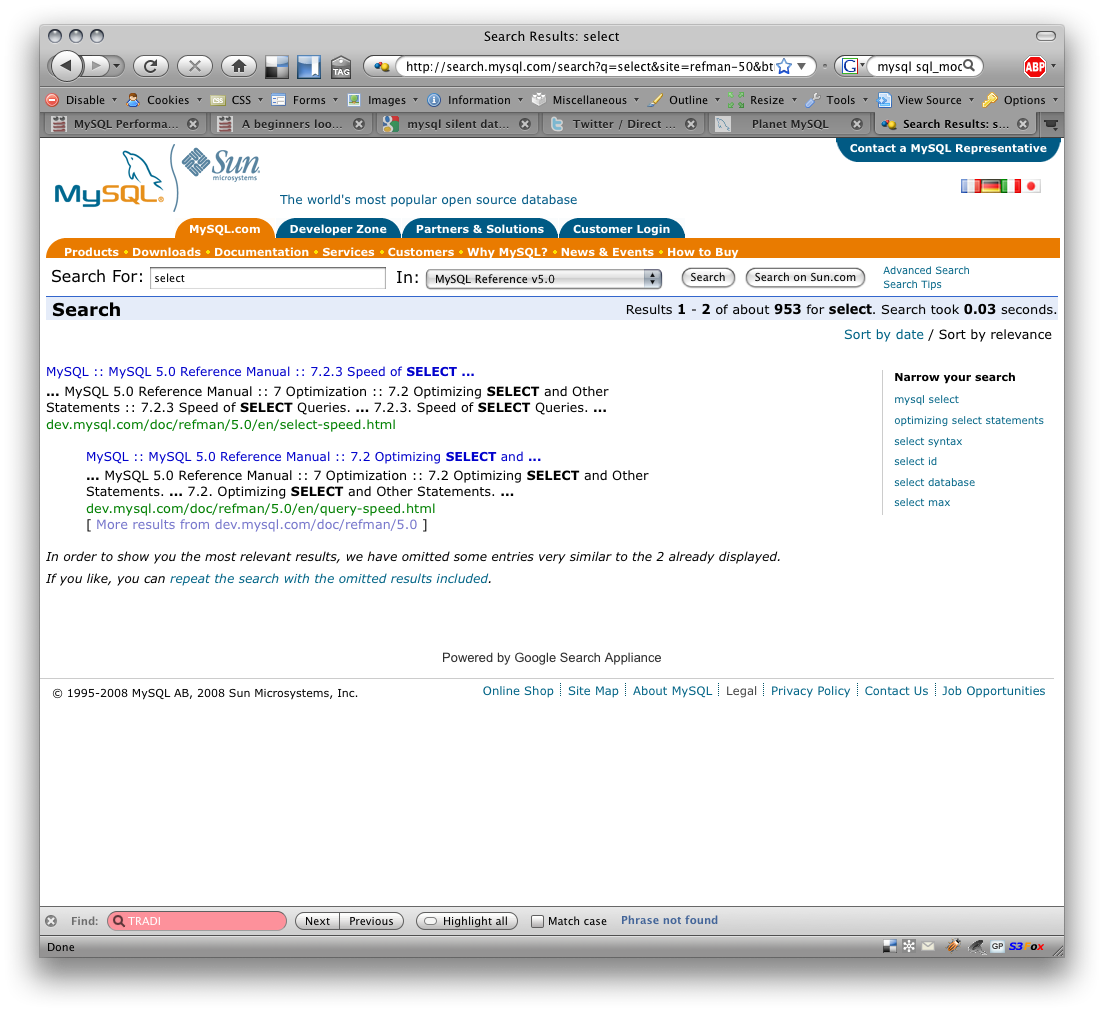
Today, while on the MySQL manual page , I typed in ‘select’ in the search manual box to confirm the SELECT syntax.

The result was not what I expected, the “SELECT” command. Instead I only got two options “Speed of SELECT …” and “Optimizing SELECT and …”.

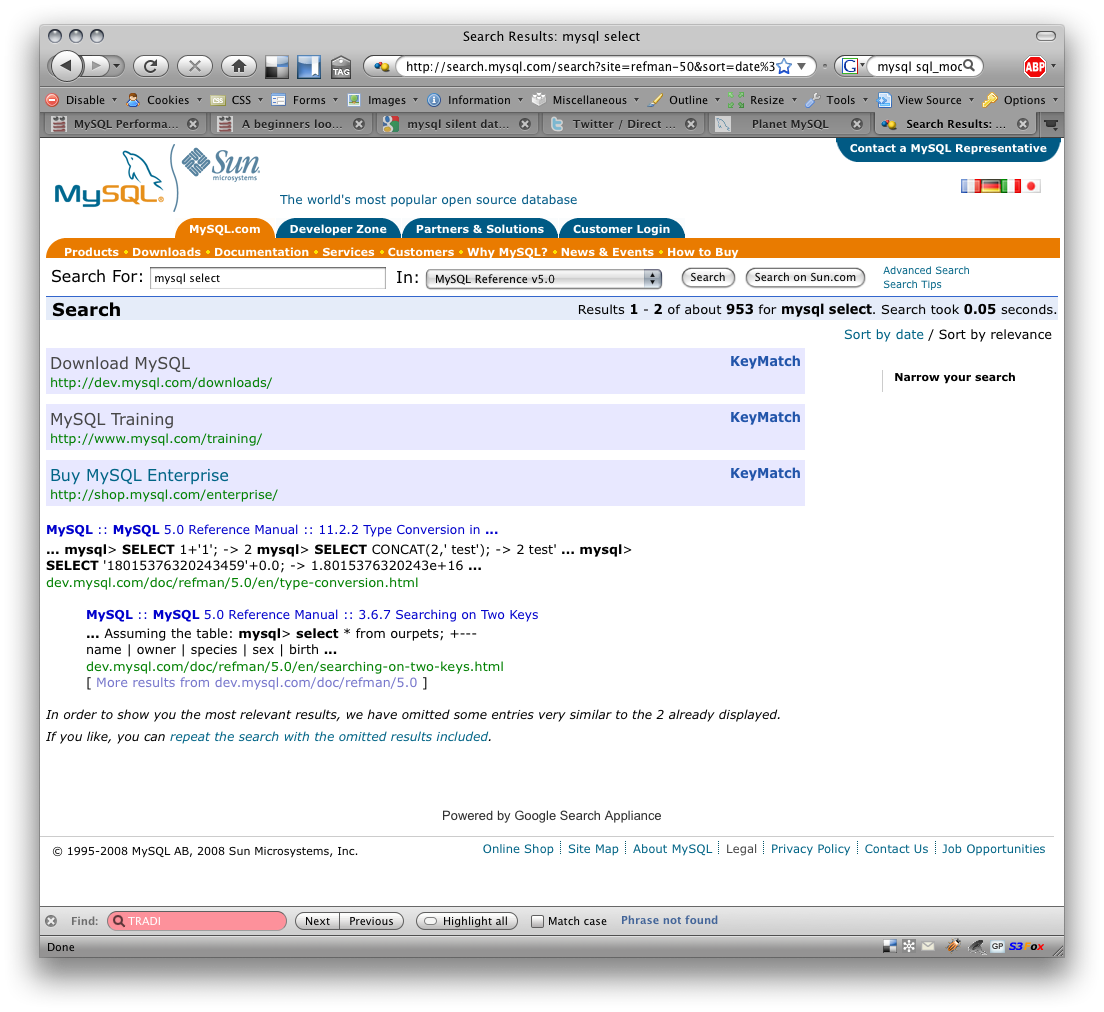
Ok, well that’s not what I want, there is a suggestion box to the right so I pick the top option “mysql select”. Not only is this worse with “Type Conversion in …”, “Searching on Two Keys” I also get 3 totally useless “Keymatch” records

Download MySQL -http://dev.mysql.com/downloads/
MySQL Training – http://www.mysql.com/training/ KeyMatch
Buy MySQL Enterprise -http://shop.mysql.com/enterprise/

I know in the past just entering ‘SELECT’ worked, because I’ve been presently writing tests on JOIN syntax and I wanted to link in my blog reference.

Images of my searches.
Tagged with: Databases General MySQL Open Source

Producing Alternative Means statistics with SQL

MySQL’s built-in AVG() computes the arithmetic mean — the sum divided by the count. That is the right default for many questions, but it is not always the right measure of central tendency.

Extending MySQL Capabilities with UDFs, Plugins and Components

MySQL offers three different approaches to extending the SQL capabilities with the default product you download and install. These are: User Defined Function (UDF) MySQL Manual MySQL Plugin MySQL Manual MySQL Component MySQL Manual For the purposes of this post I will be using the current LTS version MySQL 8.

Producing One-Sample Z-Test statistics with SQL

The one-sample Z-test determines whether a sample mean differs significantly from a known population mean when the population standard deviation is also known. It is the appropriate test when the population parameters are established — quality control benchmarks, national averages, long-run process measurements — and you want to evaluate whether a new sample is consistent with them.