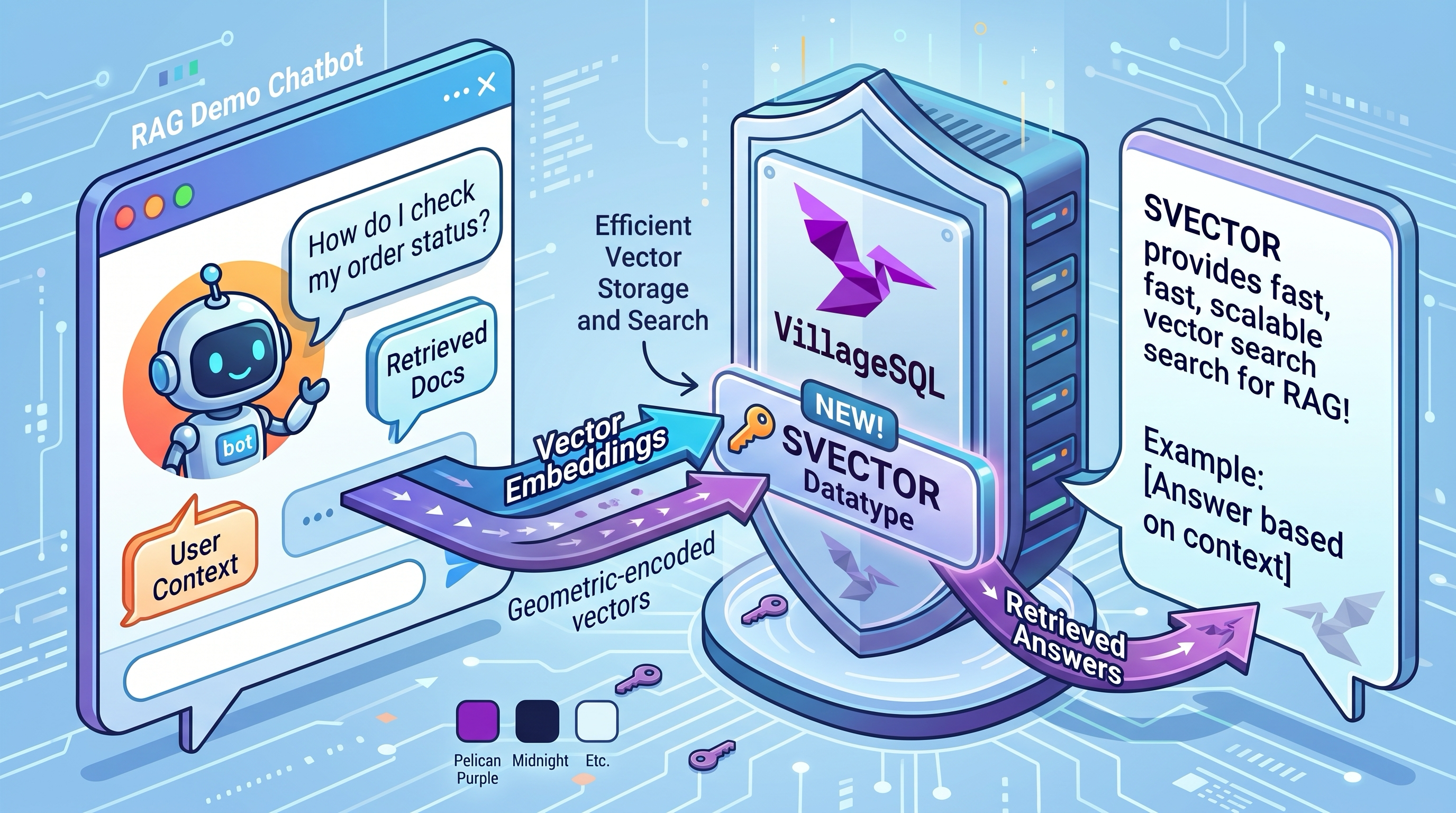
VillageSQL published Access MySQL over MCP with vsql-mcp . The extension serves the Model Context Protocol from inside the database, so an agent talks to MySQL over Streamable HTTP without a sidecar holding a credential.
The post already includes a fully functional prompt. Open the dropdown, copy it into your AI coding tool, and it walks through install, build, a least-privilege setup, a real question against demo data, and then tries to break the guardrails. I ran that prompt as written against a throwaway server.
So the answer to my question is: It’s very easy.
What follows is the output of that run via GrokBot. This was run some weeks ago, if only I had a bot that integrated with my Cursor workspace that could write this blog post in my Hugo automatically and publish to my website, rather than this manual work! (We can always work towards it)
The following content is created by Generative AI an may contain errors or hallucinations.
vsql-mcp demo on a throwaway VillageSQL server: results
- Run: Thursday 24 September 2026, 08:35 to 08:39 AEST, torn down right after
- Validated against: https://villagesql.com/blog/mcp/
- Isolation: throwaway server on port 3308 under
/workspace/vsql-mcp-demo. The existing servers on 3306 (/home/box/.villagesql, PID 113981) and 3307 (RAG demo, PID 87229) were not touched.
Step 1: Install and confirm the server
The curl | bash installer hit the GitHub API rate limit (60 requests per hour without authentication). The same release was installed by hand instead:
- Release
0.0.6, assetvillagesql-dev-server-mysql-8.4_0.0.6-linux-x86_64.tar.gz(plus the SDK) mysqld --initialize-insecure, then started with--port=3308 --socket=... --vsql_allow_preview_extensions=ON --daemonizeHOMEwas set to/workspace/vsql-mcp-demoso the install lived only under the demo directory
mysql> SELECT VERSION();
VERSION()
8.4.11-villagesql-0.0.6
veb_dir                        = /workspace/vsql-mcp-demo/.villagesql/prebuilt/lib/veb/
vsql_allow_preview_extensions  = ON
| Port | PID | Status |
|---|---|---|
| 3306 | 113981 | unchanged |
| 3307 | 87229 | unchanged |
| 3308 | 548303 | throwaway demo server |
Step 2: Build the extension
- The system
rustc1.85.1 was left alone. rustup was installed under the demo directory. - Rust 1.87.0 failed to build
mysql_common 0.37.3because it needs let-chains, so the build used rustc 1.98.1 (stable). cargo install cargo-vsqlinstalled version 0.0.6.git clone https://github.com/villagesql/vsql-mcp, thencargo vsql package- This produced
dist/vsql_mcp.veb(6,253,568 bytes), which was copied intoveb_dir.
Step 3: Demo schema and INSTALL EXTENSION
The shop schema from the blog post was used exactly: customers (6 rows) and orders (13 rows, with a foreign key to customers).
SELECT VERSION();              -> 8.4.11-villagesql-0.0.6
SELECT COUNT(*) FROM customers -> 6
SELECT COUNT(*) FROM orders    -> 13
SET PERSIST vsql_allow_preview_extensions = ON;
INSTALL EXTENSION vsql_mcp;    -> OK
SHOW GLOBAL VARIABLES LIKE 'vsql_mcp%' (defaults right after install):
| Variable | Value |
|---|---|
| vsql_mcp.allow_write | OFF |
| vsql_mcp.allowed_tables | (empty) |
| vsql_mcp.bearer_token | (empty) |
| vsql_mcp.db_url | (empty) |
| vsql_mcp.max_rows | 1000 |
| vsql_mcp.port | 3100 |
| vsql_mcp.query_timeout | 30 |
| vsql_mcp.require_auth | OFF |
| vsql_mcp.schema | (empty) |
| vsql_mcp.session_ttl | 1800 |
| vsql_mcp.ssl_cert | (empty) |
| vsql_mcp.ssl_key | (empty) |
| vsql_mcp.ssl_port | 3143 |
| vsql_mcp.vsql_mcp_enabled | OFF |
Step 4: Least-privilege configuration
CREATE USER 'mcp'@'127.0.0.1' IDENTIFIED BY '<random, redacted>';
GRANT SELECT ON shop.* TO 'mcp'@'127.0.0.1';
SET GLOBAL vsql_mcp.db_url = 'mysql://mcp:<redacted>@127.0.0.1:3308';
SET GLOBAL vsql_mcp.schema = 'shop';
SET GLOBAL vsql_mcp.require_auth = ON;
SET GLOBAL vsql_mcp.bearer_token = '<random 64-hex token, redacted>';
SET GLOBAL vsql_mcp.port = 3400;
SET GLOBAL vsql_mcp.vsql_mcp_enabled = ON;
mysql> SELECT vsql_mcp.info();
{"enabled":true,"http_port":3400,"https_port":0,"port":3400,"protocol_version":"2025-06-18","schema":"shop","sessions_active":0,"ssl_port":3143}
The listener was bound to 127.0.0.1:3400 only.
Step 5: Answer a question using only the MCP tools
Endpoint: http://127.0.0.1:3400/mcp, with header Authorization: Bearer <token>.
initialize response:
{"id":1,"jsonrpc":"2.0","result":{"capabilities":{"resources":{},"tools":{}},"protocolVersion":"2025-06-18","serverInfo":{"name":"vsql_mcp","version":"0.0.6"}}}
tools/list returned 5 tools: list_schemas, list_tables, describe_table, query, explain. The write tool was absent because allow_write is OFF.
Question: Which customer has the highest total value of delivered orders?
Tools called, in order:
list_schemasreturned{"schemas":["shop"]}list_tablesreturnedcustomers(6) andorders(13)describe_tableoncustomersdescribe_tableonordersquerywith the delivered-totals join
{
  "columns": ["name", "country", "delivered_total"],
  "row_count": 3,
  "rows": [
    {"name": "Carla Reyes", "country": "MX", "delivered_total": "420.00"},
    {"name": "Ben Osei", "country": "GH", "delivered_total": "310.45"},
    {"name": "Grace Liu", "country": "SG", "delivered_total": "276.25"}
  ],
  "truncated": false
}
Answer: Carla Reyes, with $420.00 in delivered orders. This matches the blog post.
SHOW STATUS LIKE 'vsql_mcp%' after step 5:
| Variable | Value |
|---|---|
| vsql_mcp.http_port | 3400 |
| vsql_mcp.https_port | 0 |
| vsql_mcp.rows_returned_total | 3 |
| vsql_mcp.sessions_active | 1 |
| vsql_mcp.tool_calls_total | 5 |
| vsql_mcp.tool_errors_total | 0 |
Step 6: Try to break it
| # | Attempt | Result |
|---|---|---|
| 1 | tools/list with no bearer token |
HTTP 401 Unauthorized, empty body |
| 2 | query with UPDATE shop.orders ... |
only a single read-only statement is allowed by the query tool |
| 3 | query with SELECT ... FROM mysql.user |
schema 'mysql' is outside the exposed schema; only 'shop' is available, and table names must be qualified with it |
| 4a | SET GLOBAL vsql_mcp.allowed_tables = 'orders', then list_tables |
Only orders is listed; customers is omitted |
| 4b | describe_table on customers |
table 'customers' is not in vsql_mcp.allowed_tables |
| 4c | query that joins customers |
table 'customers' is not in vsql_mcp.allowed_tables |
| Extra | Request with Origin: https://evil.example |
HTTP 403 Forbidden |
SHOW STATUS after the break attempts: tool_calls_total 10, tool_errors_total 4, rows_returned_total 3, sessions_active 1.
Summary
| Step | What ran | What came back |
|---|---|---|
| 1 | mysql-8.4 prebuilt 0.0.6 on port 3308 | 8.4.11-villagesql-0.0.6; 3306 and 3307 unchanged |
| 2 | rustup, cargo install cargo-vsql, cargo vsql package |
vsql_mcp.veb built (needed rustc 1.98.1) |
| 3 | shop schema and INSTALL EXTENSION vsql_mcp |
6 customers, 13 orders; 14 vsql_mcp.* settings appeared |
| 4 | SELECT-only mcp user and SET GLOBAL settings |
info() shows it listening on 3400 for schema shop |
| 5 | MCP initialize, tools/list, and 5 tool calls |
Carla Reyes, $420.00 |
| 6 | Four break attempts plus an Origin check | Refusal messages matching the blog, plus 401 and 403 |
| Teardown | Uninstall, drop user and schema, stop server, delete files | Only 3306 and 3307 remain, with their original PIDs |
What did not behave as asked
- The
curl | bashinstaller was rate-limited by GitHub, so the same 0.0.6 mysql-8.4 prebuilt was downloaded by hand. - Rust 1.87 was not enough in practice. A dependency (
mysql_common 0.37.3) needs let-chains, so the build used rustc 1.98.1. - The first
vsql_mcp.info()call right after enabling showedenabled:falseandhttp_port:0, even though the port was already listening. A second call showed the expected values. - The endpoint was not registered as an account-level MCP connector, because a remote connector can’t reach
127.0.0.1on this machine. The MCP tools were called directly over Streamable HTTP at the same endpoint the blog registers. - The prompt asked for “a few dozen rows”. The blog’s exact
shopdata (6 plus 13 rows) was used so the results could be checked against the post.
Teardown
SET GLOBAL vsql_mcp.vsql_mcp_enabled = OFF;
-- bearer_token, db_url, schema, allowed_tables reset; require_auth OFF; port 3100
UNINSTALL EXTENSION vsql_mcp;
DROP USER IF EXISTS 'mcp'@'127.0.0.1';
DROP DATABASE IF EXISTS shop;
SHOW DATABASES -> information_schema, mysql, performance_schema, sys, villagesql
After that, the 3308 server was shut down and /workspace/vsql-mcp-demo was deleted. The final port check showed only 3306 (PID 113981) and 3307 (PID 87229) listening.