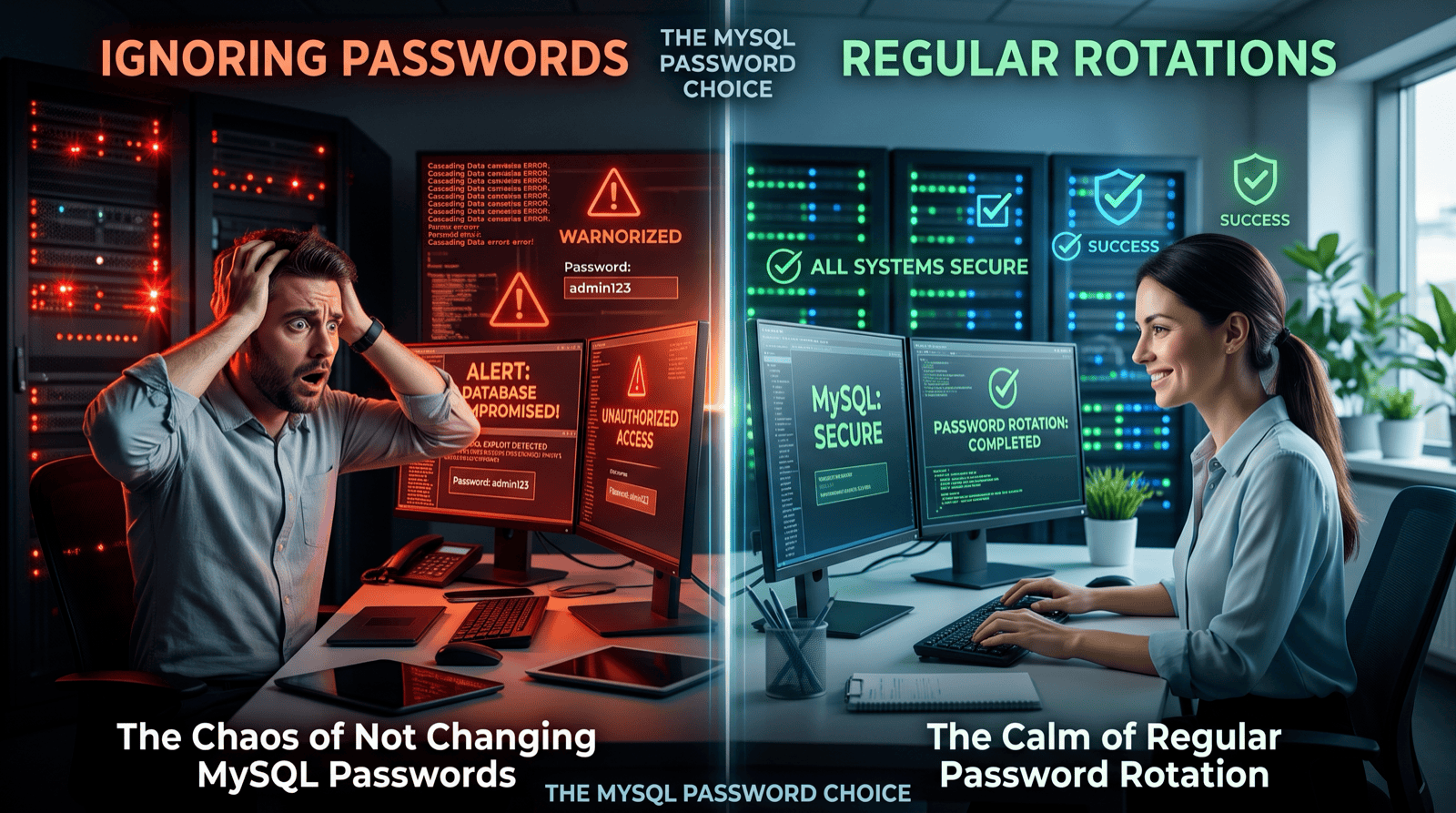
If you can do either of these on your MySQL production server, you need to correct immediately.
1. Login directly to your MySQL server as the ‘root’ Linux Operating System user. For example:
$ ssh root@server-name
Password:  ************
2. Connect to MySQL database as the ‘root’ MySQL user without a password.
$ mysql -uroot
Here are the 60 second fixes to address these major security flaws.
To disable direct root access to your server, first ensure you can login as a normal user, then su – or sudo su – appropriately. Then, disable ssh root access with the following configuration change.
$   vi /etc/ssh/sshd_config
    # ensure this is commented out and set to no
    PermitRootLogin no

$   /etc/init.d/sshd restart
This will stop any brute force attack on your server by automated bots and password generators.
Second, the default installation of MySQL *DOES NOT SET A PASSWORD*. Apart from being crazy, I’ve seen production systems without a MySQL ‘root’ user password. To set a password run:
$ mysqladmin -uroot password SOMEPASSWORD
$ mysqladmin -uroot -pSOMEPASSWORD -hlocalhost password SOMEPASSWORD