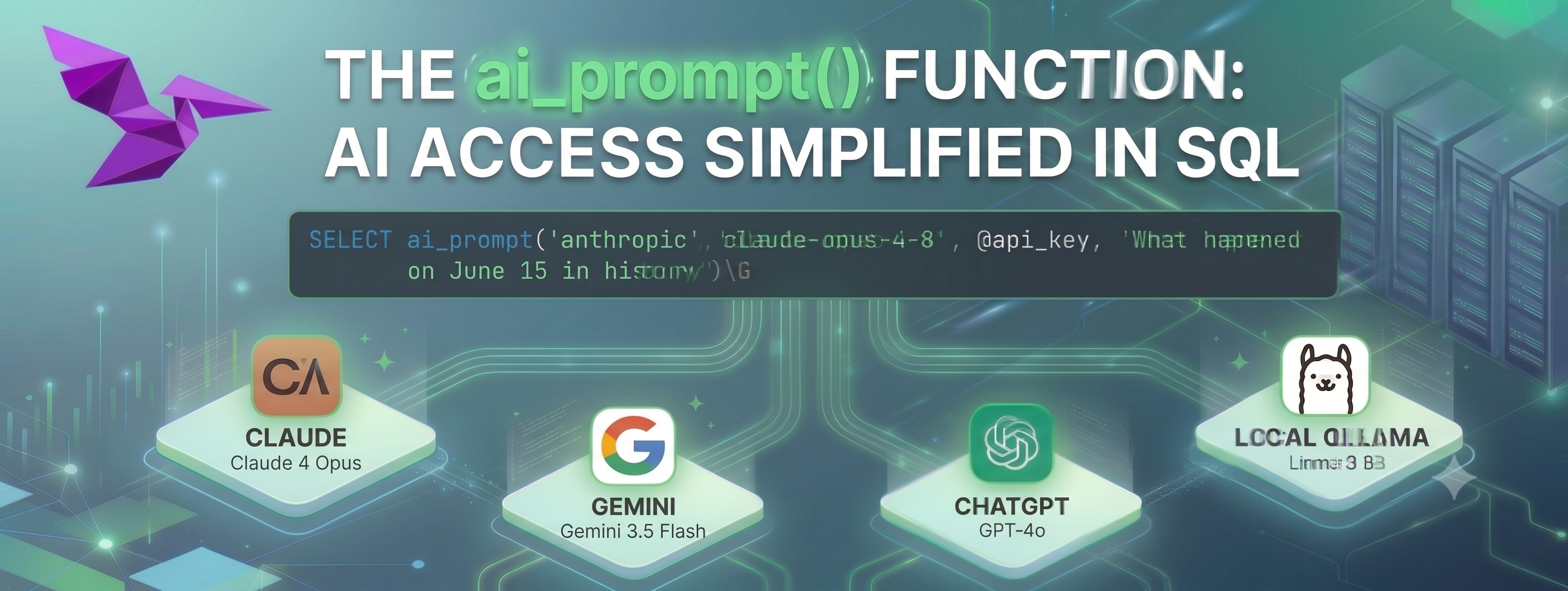
If you have a typical MySQL production setup using MySQL 8.0 (EOL) with replication, you can take advantage of VillageSQL extensions to generate AI responses directly with your source data with no impact on your production setup or existing application software. You can achieve these results using MySQL native replication and SQL.
In this tutorial I will demonstate how you can produce GenAI summary information with your existing infrastructure and recommend approaches for incorporating.
Existing Setup
- MySQL 8.0
- 1 or more MySQL replicas
To emulate this for this blog post, we will use dbdeployer.
See here
for a full script to run locally.
dbdeployer example
$ dbdeployer deploy replication --gtid --sandbox-directory demo${MAJOR_VERSION_CLEAN} ${MINOR_VERSION}
$ cd ~/sandboxes/demo80
$ master/use

mysql> source support-ticket-tables.sql
mysql> source support-ticket-data.sql
ER Diagram
erDiagram
    support_ticket {
        BIGINT ticket_id PK
        VARCHAR subject
        VARCHAR requester_name
        VARCHAR requester_email
        ENUM status
        ENUM priority
        VARCHAR assignee
        TIMESTAMP created_at
        TIMESTAMP updated_at
    }

    support_ticket_summary {
        BIGINT ticket_id PK,FK
        TEXT summary
        TIMESTAMP created_at
        TIMESTAMP updated_at
    }

    support_ticket_message {
        BIGINT message_id PK
        BIGINT ticket_id FK
        ENUM sender_type
        VARCHAR sender_name
        TEXT body
        TIMESTAMP created_at
    }

    support_ticket ||--|| support_ticket_summary : "has"
    support_ticket ||--o{ support_ticket_message : "has"
To leverage the ability to populate AI results, the support_ticket_summary table was created on the primary so it is replicated, but has contains data.
Setup of VillageSQL
On a separate server install:
- VillageSQL
- vsql-ai extension.
For this demo I am using Gemini , however you can use Claude , OpenAI , or a local LLM such as Ollama .
Configure VillageSQL are replica
With a running default VillageSQL setup, and with configured MySQL replication topology (emulated here with dbdeployer installed locally) you can configured VillageSQL with:
SET GLOBAL GTID_MODE=OFF_PERMISSIVE;
SET GLOBAL GTID_MODE=ON_PERMISSIVE;
SET GLOBAL ENFORCE_GTID_CONSISTENCY=ON;
SET GLOBAL GTID_MODE=ON;
CHANGE REPLICATION SOURCE TO SOURCE_HOST='127.0.0.1', SOURCE_PORT=22435, SOURCE_USER="rsandbox", SOURCE_PASSWORD="rsandbox",  SOURCE_AUTO_POSITION=1;
SHOW WARNINGS;
START REPLICA;
SHOW REPLICA STATUS\G
In this demo situation you do not have a large dataset. For production, you would perform a database restore of your current backup to get a full replication copy of production within your VillageSQL 8.4 setup. Additional tuning may be necessary based on your existing production sizing. You can also setup limited replication rules to limit the tables within VillageSQL. Please reach out if you would like some consulting assistance with migration best practices.
We can now simply generate summaries for tickets using GenAI. Depending on your dataset, you may need to ensure your subscription can support the volume of operations performed. The following SQL is re-runable selecting tickets that do not yet have a summary, however you can also setup an AFTER UPDATE trigger for when a support-ticket is closed to trigger this automatically.
USE aidemo;
SET @GEMINI_API_KEY='<paste key here>';
SET SESSION group_concat_max_len = 1000000;
INSERT INTO support_ticket_summary (ticket_id, summary)
SELECT ticket_id, ai_prompt('google', 'gemini-3.5-flash', @GEMINI_API_KEY, CONCAT('Summarize support ticket information of ',GROUP_CONCAT(body)))
FROM support_ticket_message
WHERE ticket_id NOT IN (select ticket_id FROM support_ticket_summary)
GROUP BY ticket_id;
The example output:
villagesql> SELECT * FROM support_ticket_summary LIMIT 1\G
*************************** 1. row ***************************
 ticket_id: 1
   summary: Here is a summary of the support ticket regarding the installation, configuration, and port customization of Ollama on macOS and Linux.

---

### **Ticket Summary**

*   **Customer Goal:** Install Ollama to run local LLMs on macOS and a Linux server, and resolve a port conflict by changing Ollama's default port (11434).
*   **Status:** Resolved successfully.

...
With some preparation, you can gain the benefits of the extensions system and have GenAI capabilities in a SQL only requirement as a proof-of-concept.
Leverage this information within your existing application will depend on your data requirements and current application infrastructure. This is a discussion I am happy to help companies investigate.