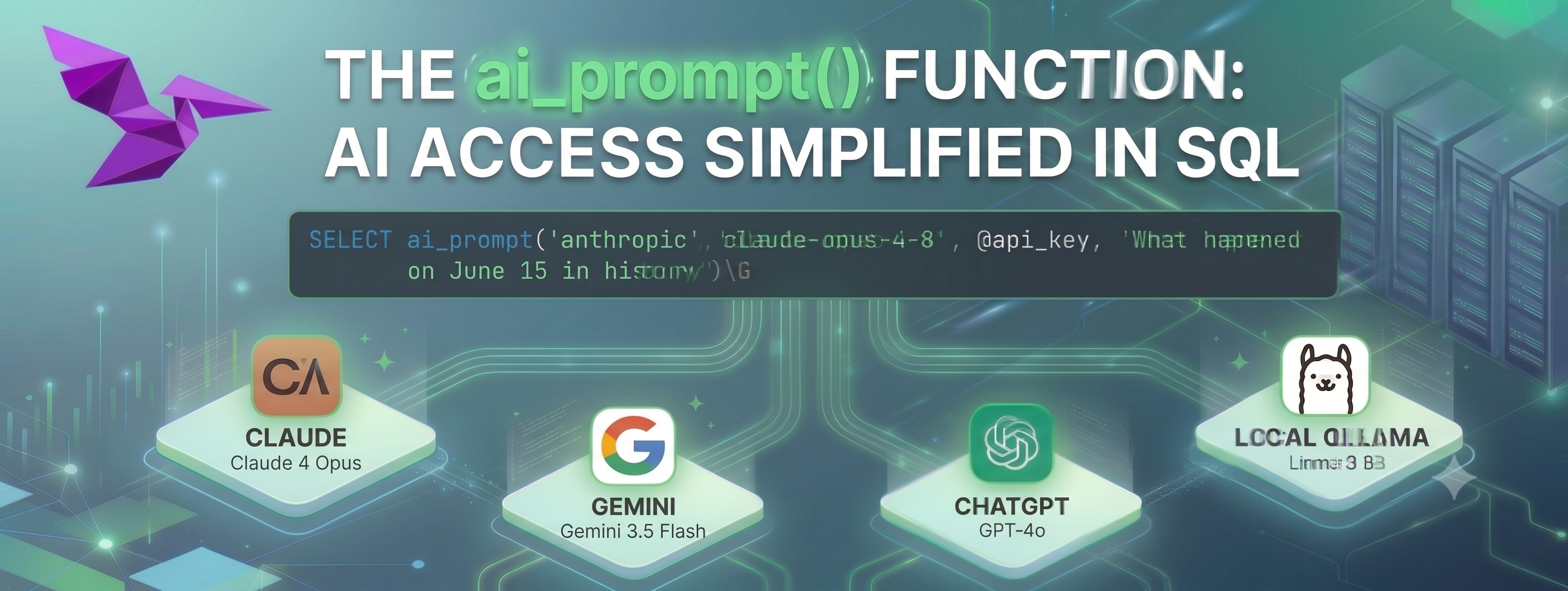
The vsql-ai extension adds AI prompt capabilities and text embeddings directly in SQL queries, with support for Anthropic Claude , Google Gemini , OpenAI ChatGPT , or a local LLM such as Ollama . VillageSQL is a fully compatible drop-in replacement for MySQL 8.4 with extensions for the AI era. VillageSQL can be easily added to an existing MySQL 8.0 or MySQL 8.4 replication topology for testing an evaluation, something I will demonstrate in a following post.
VillageSQL Installation
You can test this quickly with the pre-built binaries. On a clean MacOS M* series machine, it’s as easy as.
$ curl https://villagesql.com/shell | bash
...
How would you like to install VillageSQL?

  1) Prebuilt Binary (Fast, no compilation needed)
  2) Build from Source (Slower, compiles everything locally)

Select [1-2]: 1
...

To connect to VillageSQL, run:
  /Users/demo/.villagesql/prebuilt/bin/mysql -u root -p --socket=/Users/demo/.villagesql/mysql.sock

Root password: <redacted>
...
NOTE: If docker is available, you will get this as an install option, for example:
$ brew install rancher   # Docker compatible alternative
$ curl https://villagesql.com/shell | bash
...

  1) Docker (Fastest, easiest to manage)
  2) Prebuilt Binary (Fast, no compilation needed)
  3) Build from Source (Slower, compiles everything locally)
Validation
Connecting via the mysql client that is installed, and with the provided syntax from the installation:
$  /Users/demo/.villagesql/prebuilt/bin/mysql -u root -p --socket=/Users/demo/.villagesql/mysql.sock

mysql> SELECT VERSION();
+------------------------+
| version()              |
+------------------------+
| 8.4.9-villagesql-0.0.4 |
+------------------------+
1 row in set (0.00 sec)
~/.my.cnf Setup
I prefer to simplify my setup, using ~/.my.cnf, a custom prompt and an updated PATH which simplifies usage.
$ export PATH=~/.villagesql/prebuilt/bin:$PATH
$ cat ~/.my.cnf
[mysql]
user=root
password=<redacted>
socket=/Users/demo/.villagesql/mysql.sock
prompt="villagesql> "
$ mysql
Installing the Extension
villagesql> INSTALL EXTENSION vsql_ai;
Query OK, 0 rows affected (0.38 sec)
This is one query, that’s it, you are ready to use AI prompts.
Using the Extension
As I mentioned this can run with online models, or local models. This is how to use it with Claude.
villagesql> SET @api_key='<redacted>';
villagesql> SELECT ai_prompt('anthropic','claude-opus-4-8', @api_key, 'What happened on June 15 in history')\G
*************************** 1. row ***************************
ai_prompt('anthropic','claude-opus-4-8', @ANTHROPIC_API_KEY, 'What happened on June 15 in history'): Quite a few notable events have occurred on June 15 throughout history. Here are some of the more significant ones:

- **1215** – King John of England put his seal on the **Magna Carta** at Runnymede, a foundational document in the development of constitutional law and individual rights.

- **1300s–1389** – The **Battle of Kosovo** (June 15, 1389, by some calendars) was fought between Serbian-led forces and the Ottoman Empire, a pivotal event in Balkan history.

- **1752** – **Benjamin Franklin** is traditionally said to have conducted his famous kite experiment, demonstrating the connection between lightning and electricity (the exact date is uncertain).

- **1836** – **Arkansas** was admitted as the 25th U.S. state.

- **1844** – **Charles Goodyear** received a patent for the process of vulcanizing rubber.

- **1864** – During the U.S. Civil War, **Arlington National Cemetery** was established on the grounds of Robert E. Lee's former estate.

- **1944** – During World War II, U.S. forces began the **Battle of Saipan** in the Pacific.

- **1985** – Marked the early days of the **TWA Flight 847 hijacking** crisis (which began June 14).

These are just a selection. If you're looking for something specific—like a particular country, field (science, sports, politics), or year—let me know and I can narrow it down!
1 row in set (6.70 sec)
Running with local models
With Ollama you can run free LLM models on your own infrastructure, and you do not require a API_KEY. For example:
$ brew install ollama
$ ollama start
$ ollama run llama3.2
$ ollama list
$ mysql
villagesql> SELECT ai_prompt('local','llama3.2','','Give me a Haiku for Fall') AS poetry\G
*************************** 1. row ***************************
poetry: Golden leaves descend
Crisp autumn air on my skin
Nature's final dance
Installing from Source
If your working with VillageSQL source, the extension is easy to install and adapt. I have for example proposed Fable Support PR22 , Ollama Speed Improvements and also support for LMStudio and custom local ports .
cd ~/.villagesql
git clone https://github.com/villagesql/vsql-ai.git
cd vsql-ai/build
rm -f CMakeCache.txt
cmake .. -DVillageSQL_BUILD_DIR=/Users/rbradfor/.villagesql
make
make install