Changing the password of a MySQL account that an application uses was hard before MySQL 8.0. It is easy in MySQL 8.0 and later, thanks to two clauses of ALTER USER: RETAIN CURRENT PASSWORD and DISCARD OLD PASSWORD. This was one of the topics in my Improving your MySQL Security Posture
presentation at the MySQL BR Conference 2025.
Why no downtime matters
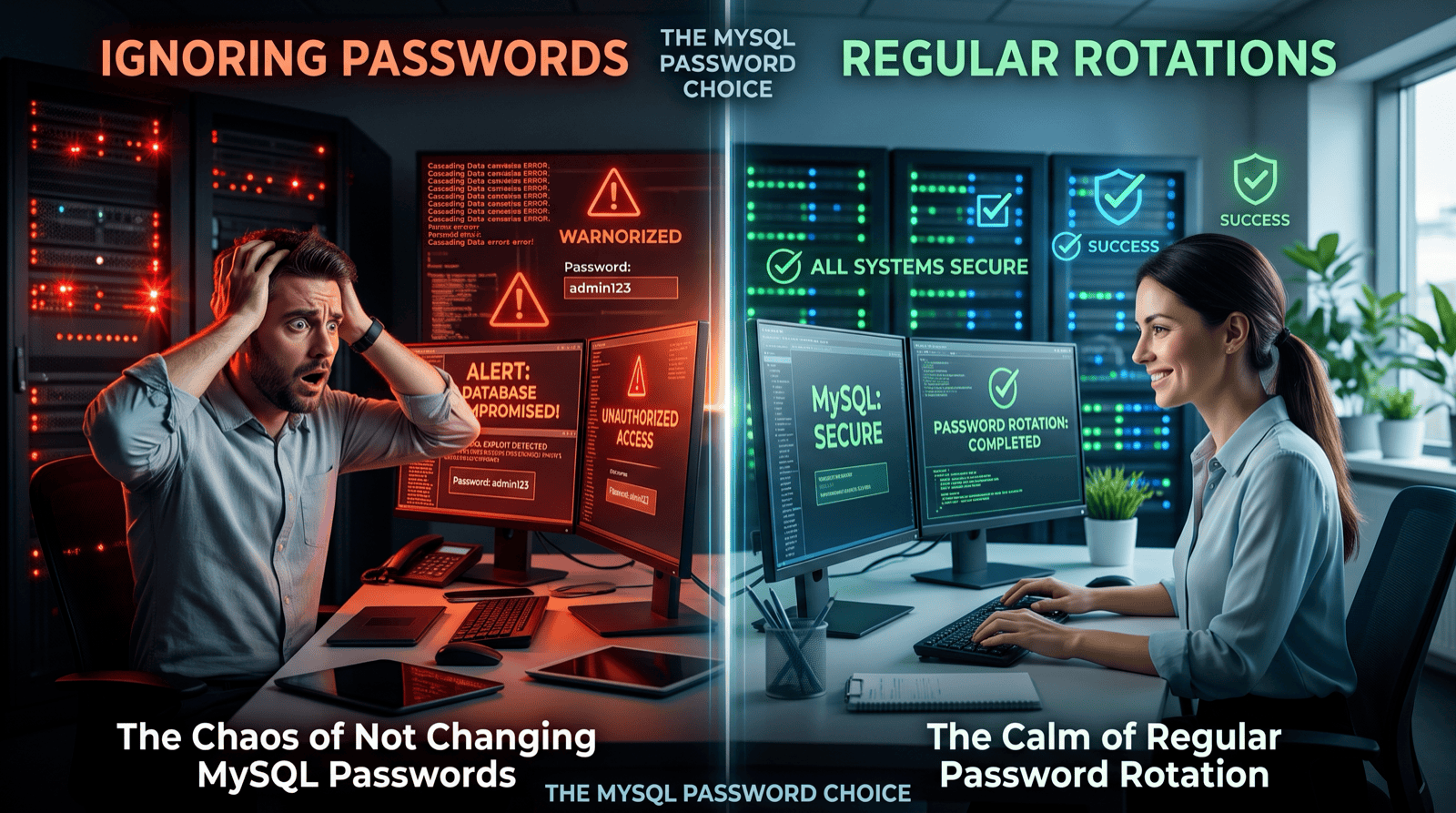
An account password is normally a single value. The moment you run ALTER USER ... IDENTIFIED BY, the old password stops working. Every application server, connection pool, batch job, and monitoring agent still holding the old password fails on its next new connection.
In practice you cannot update every client at the same instant. Configuration is rolled out across many hosts, connection pools reconnect at different times, and secrets managers propagate on their own schedule. Before MySQL 8.0 the choices were all poor:
- Change the password and accept failed connections until every client is updated, which is effectively an outage.
- Schedule a maintenance window to change the password and restart applications together.
- Create a second account (for example
app_v2), grant it identical privileges, move clients across, then drop the original. This works, but it doubles the accounts to audit and the privileges to keep in sync.
With dual passwords, the account accepts both the old and new password for as long as you need. Clients move to the new password at their own pace, and nothing fails.
Why it matters for security
Password rotation is a basic security control, and most compliance frameworks expect it. Credentials leak through configuration files, logs, backups, former employees, and compromised build systems. Regular rotation limits how long a leaked password stays useful.
When rotation means downtime, it gets postponed. Application passwords end up unchanged for years because nobody wants to own the outage. Making rotation a routine, non-disruptive operation is what makes it actually happen, including the urgent case where you need to rotate immediately because a credential has been exposed.
Example
Create an account with a password:
CREATE USER brazil25 IDENTIFIED WITH caching_sha2_password BY 'MySQL80#password';
Step 1: Add the new password and keep the current one
ALTER USER brazil25 IDENTIFIED BY 'MySQL80#newpassword' RETAIN CURRENT PASSWORD;
The new password becomes the primary password, and the previous one is kept as a secondary password. Both now authenticate:
login with 'MySQL80#password':    OK
login with 'MySQL80#newpassword': OK
The retained password is recorded in the account’s User_attributes:
SELECT user, host, JSON_KEYS(User_attributes) AS attrs FROM mysql.user WHERE user='brazil25';
+----------+------+-------------------------+
| user     | host | attrs                   |
+----------+------+-------------------------+
| brazil25 | %    | ["additional_password"] |
+----------+------+-------------------------+
Step 2: Roll out the new password to every client
Update your secrets manager, configuration, and connection pools at whatever pace suits your deployment process. Existing connections are unaffected, and new connections succeed with either password.
Step 3: Discard the old password
Once every client is using the new password, remove the old one:
ALTER USER brazil25 DISCARD OLD PASSWORD;
Now only the new password works:
login with 'MySQL80#password':    FAILED -> ERROR 1045 (28000): Access denied for user 'brazil25'@'localhost' (using password: YES)
login with 'MySQL80#newpassword': OK
+----------+------+-----------------+
| user     | host | User_attributes |
+----------+------+-----------------+
| brazil25 | %    | NULL            |
+----------+------+-----------------+
Don’t skip this step. Until you discard it, the old password remains a valid credential. Check your error logs or connection monitoring for authentication failures before discarding, to make sure no client was missed.
Things to know
-
Privileges. Managing secondary passwords for other accounts requires
CREATE USER. For an account to rotate its own password withRETAIN CURRENT PASSWORDorDISCARD OLD PASSWORD, it needsAPPLICATION_PASSWORD_ADMIN. Without either, MySQL refuses:ERROR 1227 (42000): Access denied; you need (at least one of) the CREATE USER or APPLICATION_PASSWORD_ADMIN privilege(s) for this operation -
Only two passwords. An account holds at most a primary and a secondary password. Running
RETAIN CURRENT PASSWORDagain moves the current primary into the secondary slot and replaces any older secondary password. -
Availability. Dual password support was added in MySQL 8.0.14, and is available in MySQL 8.4 LTS and later.
The example output above was produced on a throwaway MySQL 8.4 server.